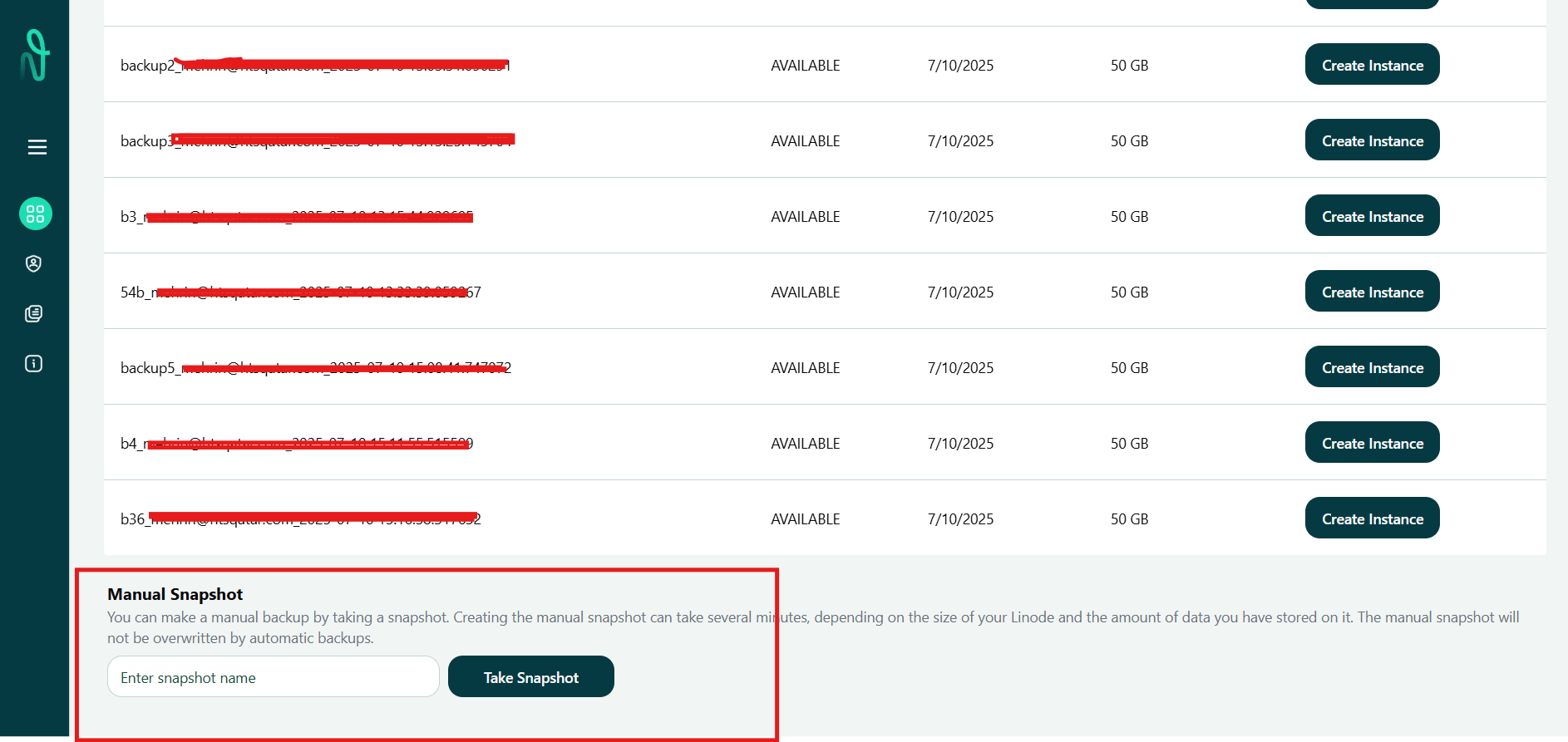
New Feature in Claudion: Snapshot
We’ve added a new feature in Claudion called Snapshot — a manual backup option that lets you create a backup account for your existing instance anytime.
How Does It Work?
You are working on an ERP system or cloud-based app inside Claudion.
Before making changes (e.g., script updates, app installations, testing configurations), you go to the Snapshot option.
Click to create a new snapshot — it takes a few seconds to capture the full state of your instance.
Now you are free to test, update, or make changes.
If everything works well — continue using the instance as normal.
If something goes wrong — restore the instance using the saved snapshot, and your system is instantly back to its earlier state.